Viewing Metrics in ApexWise
ApexWise provides metrics for each domain you have added to your account.
Step 1: Navigate to the Dashboard
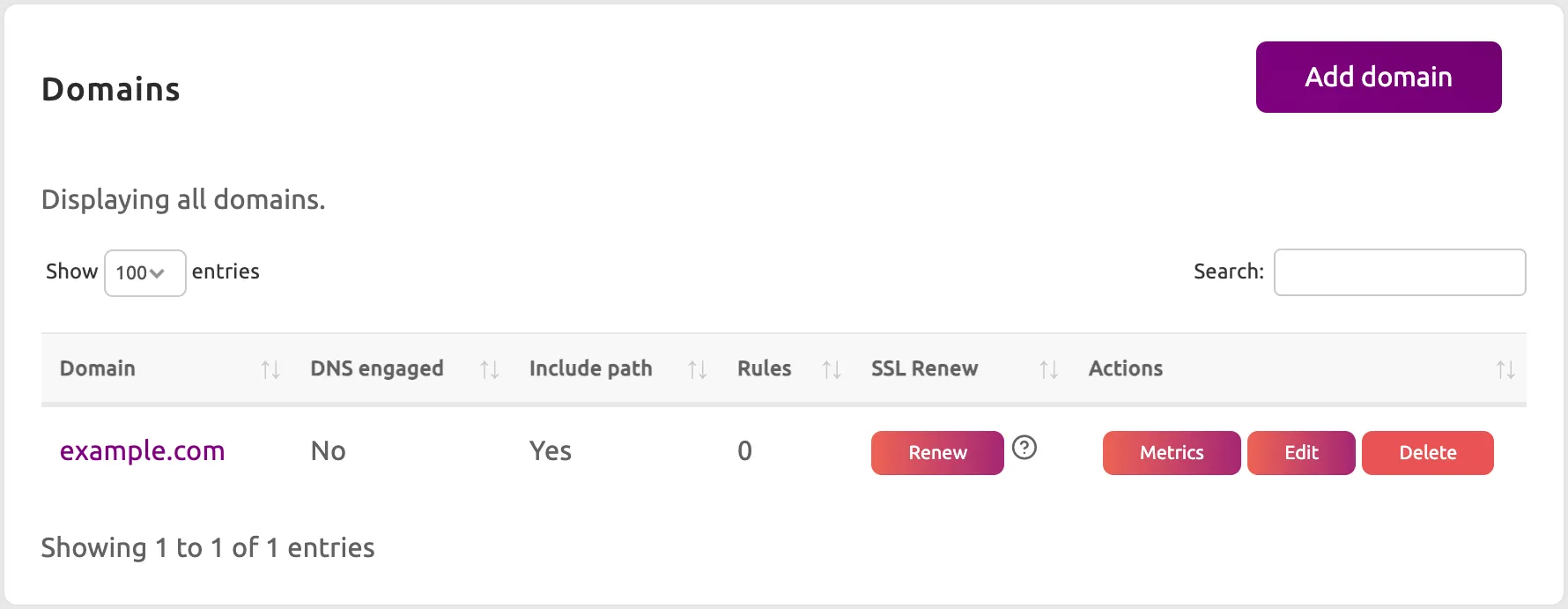
Log in to your ApexWise Dashboard and select Domains from the navigation menu.
Step 2: Click the Metrics button
Find the domain you want to analyze. Click the Metrics button to view the metrics for the domain.
Step 3: View the Metrics
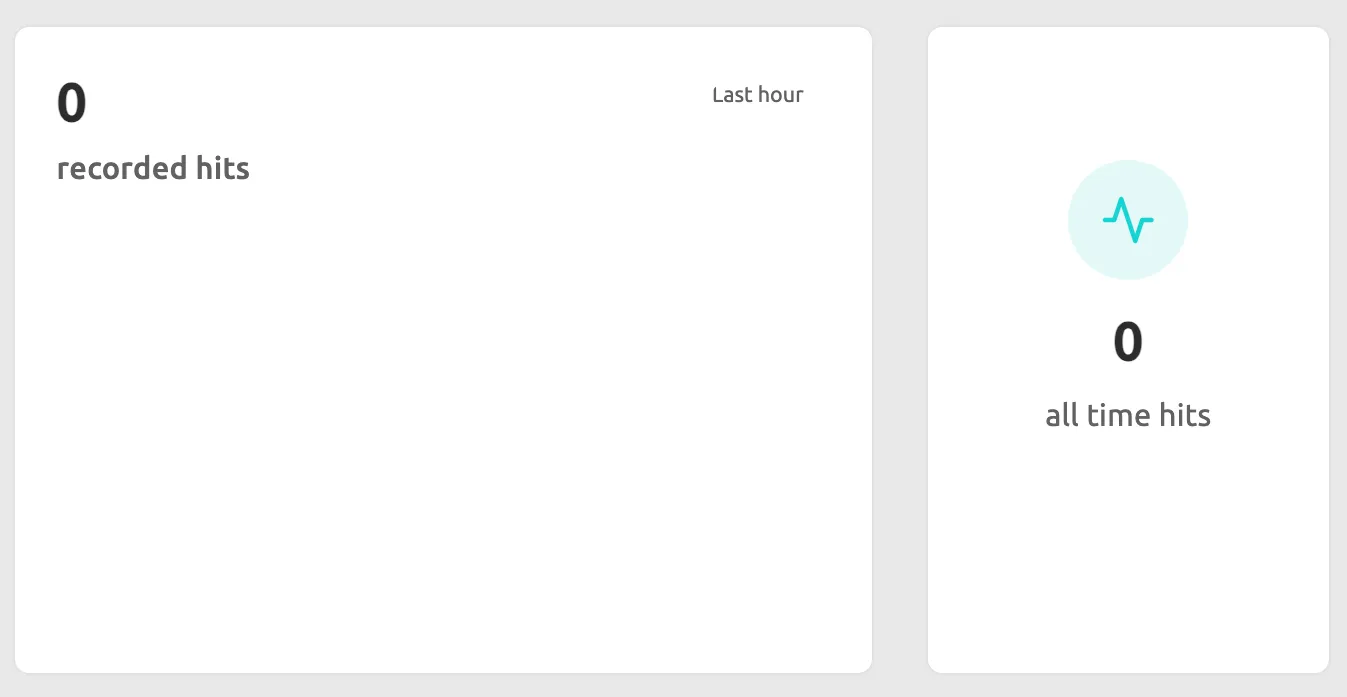
A summary of hits for the redirected domain will be displayed.