
Creating an ApexWise Account
Follow these steps to create your ApexWise account and start managing your apex domain redirects with ease.
Step 1: Visit the Signup Page
Go to the ApexWise Signup Page and click on the Sign Up button.
Step 2: Enter Your Details
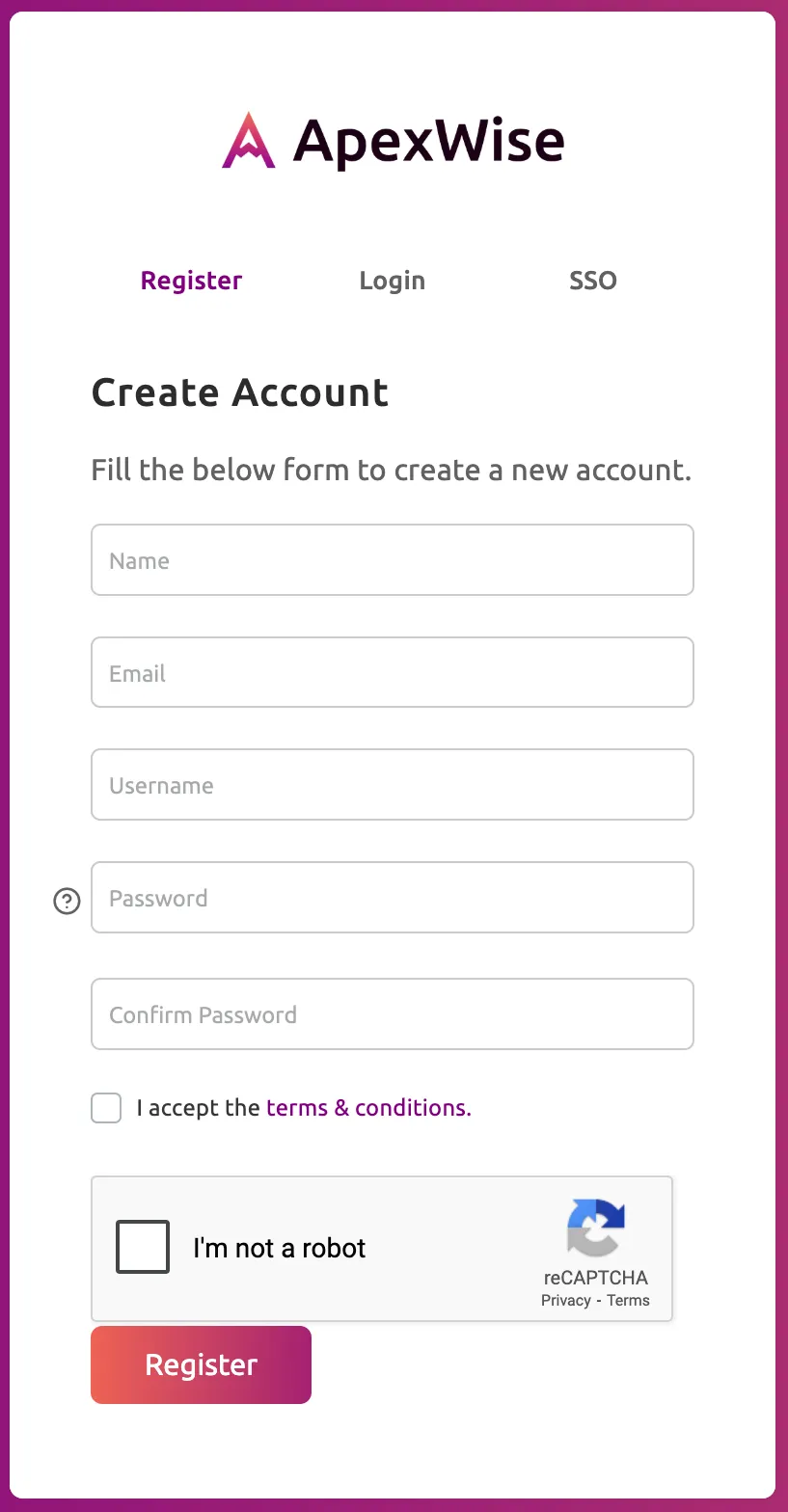
Fill out the registration form with the following information:
- Name: Enter your name.
- Email Address: Use a valid email to receive important notifications.
- Username: Choose a username for your account.
- Password: Choose a strong password for security.
- Confirm Password: Re-enter your password.
Step 3: Verify Your Email
After signing up, check your inbox for a verification email from ApexWise. Click on the verification link to activate your account.
Step 4: Log In
Once verified, return to the ApexWise Login Page and enter your credentials.
Step 5: Set Up Your First Domain
Upon logging in, you’ll be guided to add your first domain and configure your redirection settings.