
Adding a Domain in ApexWise
Learn how to add and configure a domain in ApexWise to manage apex domain redirects efficiently.
Step 1: Navigate to the Dashboard
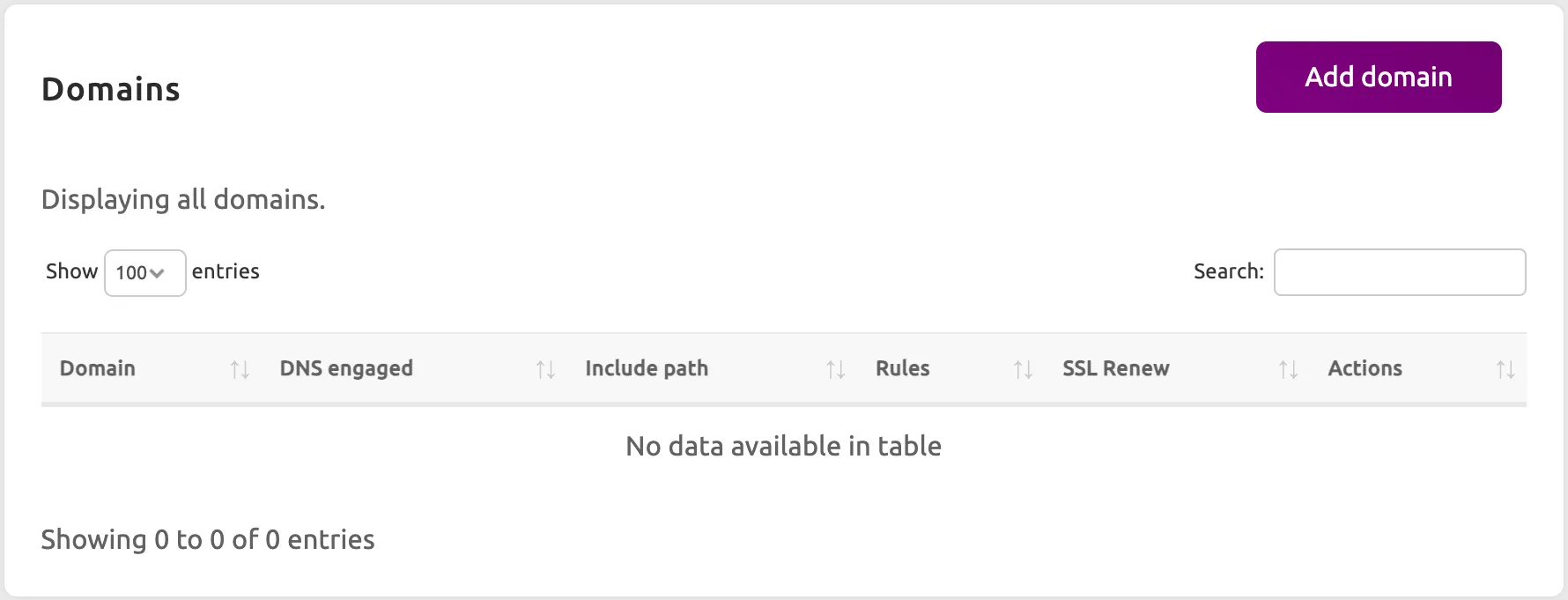
Log in to your ApexWise Dashboard and go to the Domains section.
Step 2: Click on “Add Domain”
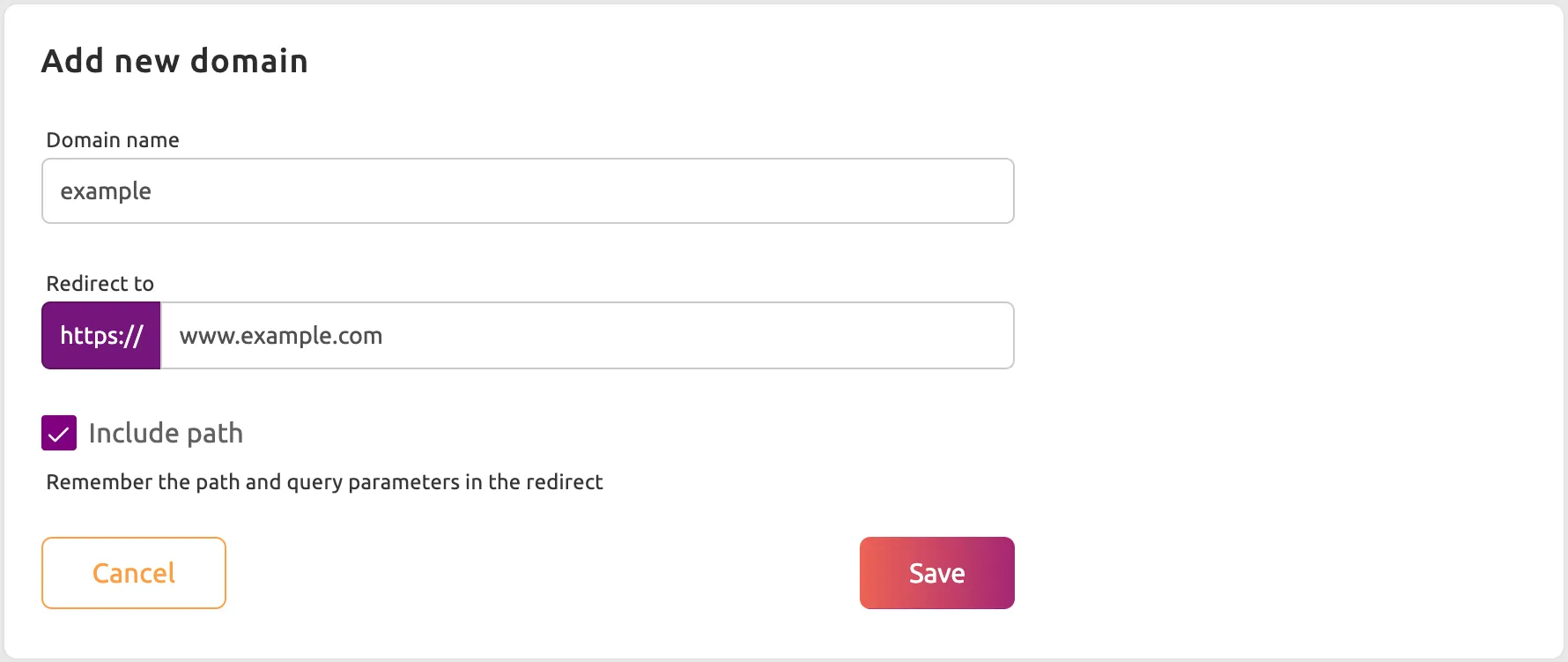
Press the Add Domain button and enter your domain name (e.g., example.com) and the location you want to redirect to. You can choose to include the path in the redirect.
Step 3: Configure DNS Settings
To point your domain to ApexWise, update your DNS records:
- A Record: Point your root domain (
@or.depending on your registrar) to ApexWise’s IP address.
Once you have added the A Record ApexWise will automatically provision an SSL certificate for your domain. This process usually takes 1-2 minutes.